Don't hesitate to contact us
At our IT solution company, we are committed to exceptional
Contact us1314 South 1st Street, Unit 206 Milwaukee,WI 53204, US


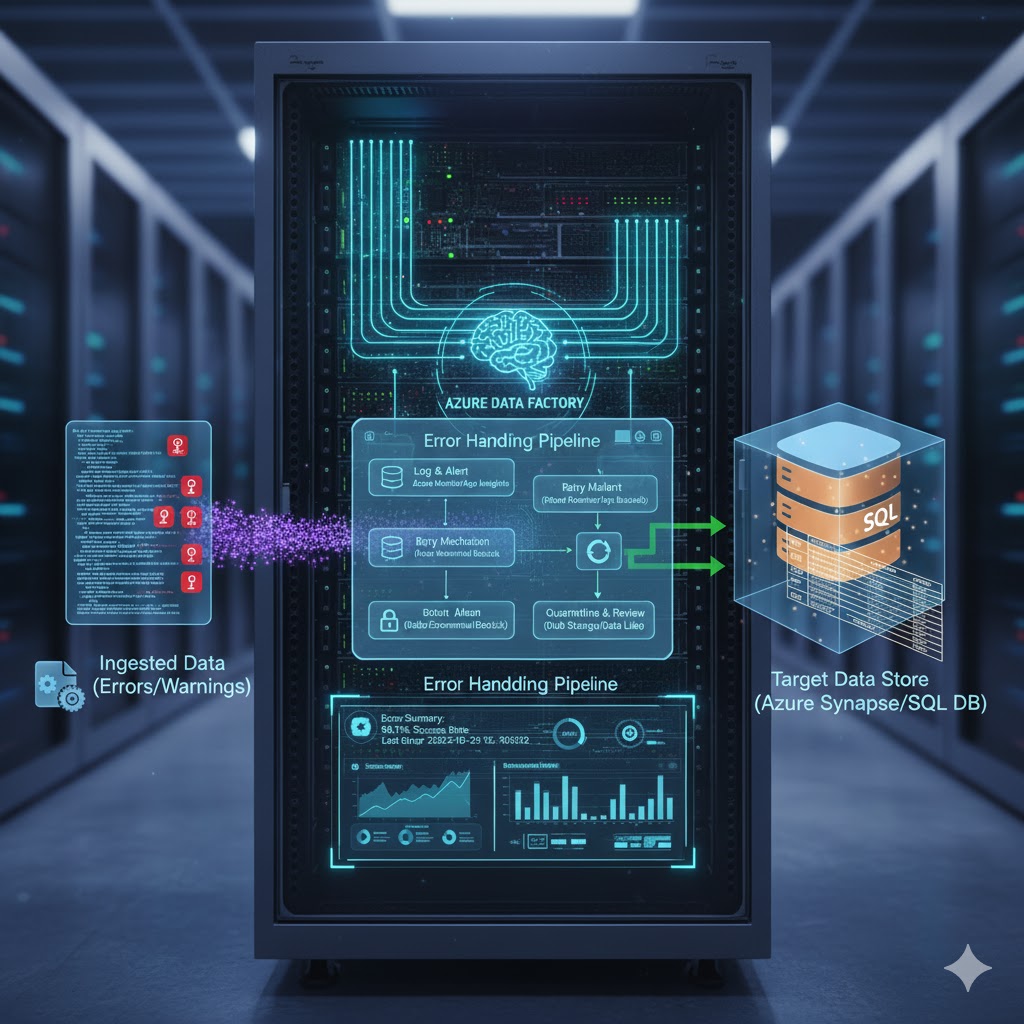
Azure Data Factory (ADF) is one of the leading cloud-based ETL/ELT services for orchestrating data movement and transformation across modern data platforms. As pipelines grow in complexity—integrating APIs, databases, data lakes, SaaS systems, and machine learning workflows—robust error handling becomes essential. Without proper monitoring, retry logic, and failure isolation, even a minor issue can break critical production pipelines.
This guide covers the best practices for error handling in Azure Data Factory, helping ensure reliable, resilient, and maintainable data integration workflows.
ADF pipelines often interact with external systems prone to unpredictable issues such as:
Network timeouts
Throttling or rate limits
Schema drift
Authentication failures
Data inconsistencies
Service outages
Good error-handling practices allow pipelines to fail gracefully, retry strategically, notify engineers, and recover quickly—ensuring business continuity and data accuracy.
Most ADF activities support retry configuration, preventing transient failures from immediately breaking the pipeline.
Enable retries on network-based activities (Copy Activity, REST, Web, Lookup).
Use exponential retry intervals for intermittent issues.
Set retry counts based on the sensitivity of the source system.
Avoid infinite retries—use a reasonable limit (e.g., 3–5).
Example:
Use 30–60 seconds retry intervals for external APIs prone to rate limits.
ADF supports error handling at the pipeline level using “Try” and “Catch” patterns:
Try: Primary data-processing activities
Catch: Activities triggered only when something fails in the Try block
Finally: Optional cleanup/logging section
Writing failure metadata to a log table
Sending email/Teams notifications
Triggering compensating actions
Writing to an error data lake
ADF allows failure paths from any activity via the red “On Failure” arrow.
Use On-Failure paths for targeted error actions (e.g., cleanup temp files).
Avoid putting all logic in a single failure branch—keep error handling modular.
Combine with logging for maximum visibility.
Logging is the most important aspect of error handling.
| Field | Purpose |
|---|---|
| Pipeline Name | Identify failing pipeline |
| Activity Name | Pinpoint which activity failed |
| Execution Time | Track frequency of failures |
| Error Code | Useful for categorization |
| Error Message | Identify root cause |
| Input Parameters | Understand context |
| Correlation ID / Run ID | Link logs to ADF monitoring |
Azure SQL Database
Azure Log Analytics Workspace
Azure Data Lake Storage
Azure Application Insights
Azure provides multiple monitoring tools with alert capabilities.
Azure Monitor
ADF Pipeline runs view
Log Analytics queries
Application Insights (custom logs)
Pipeline failure
Activity failure
High execution duration
No data movement detected
Skewed or zero-row loads
Set alerts with actionable messages and include run details.
Bad data is a leading cause of pipeline failures.
Add a Lookup/Validation step before large data transfers.
Validate file format (CSV, JSON schemas).
Validate expected column count and names.
Perform row-level validation via Data Flows or DataBricks.
Fail fast if critical metadata is missing.
Data validation helps avoid expensive downstream failures.
Activities such as REST calls or stored procedures can run indefinitely if not configured correctly.
Set activity timeout values to avoid stalled executions.
Use Azure Integration Runtime timeouts for network-heavy operations.
Combine timeouts with retries for transient network issues.
Schema drift is common when ingesting JSON, CSVs, or API-based data.
Enable “Auto Mapping” in Copy Activity
Use Data Flows with schema drift support
Store raw files before transformation (bronze layer)
Add custom schema validation logic
Use catch blocks to write problematic files to a quarantine zone
Alert engineering teams automatically
Static values increase failure risk when sources change.
Parameterize datasets, linked services, and pipeline inputs.
Store configuration in:
Key Vault
Azure SQL tables
ADF Global Parameters
Parameterization improves flexibility and reduces runtime errors.
Mapping Data Flows offer powerful mechanisms for error handling.
Assertions to stop processing when validation fails
Error streams to redirect invalid rows to:
quarantine storage
error tables
logs
This isolates bad records without failing the entire pipeline.
A pipeline should safely re-run without duplicating or corrupting data.
Use watermark/incremental logic
Design upserts (SQL MERGE)
Clear or archive previous logs
Ensure delete/recreate actions do not cause data loss
This is essential for recovery from mid-run failures.
If a pipeline depends on external processes:
Use Get Metadata to check file existence
Use If Condition activity to validate readiness
Use Wait activity for slow upstream systems
Fail with meaningful messages if dependencies are unmet
This avoids unpredictable pipeline behavior.
Error handling in Azure Data Factory is more than catching failures—it’s about building resilient, observable, and self-healing data pipelines.
By using retry logic, try-catch patterns, logging, validation, monitoring, and proper pipeline architecture, you can prevent minor issues from escalating into major outages. Implementing these best practices ensures your ADF pipelines stay reliable, maintainable, and ready for production-scale workloads.